
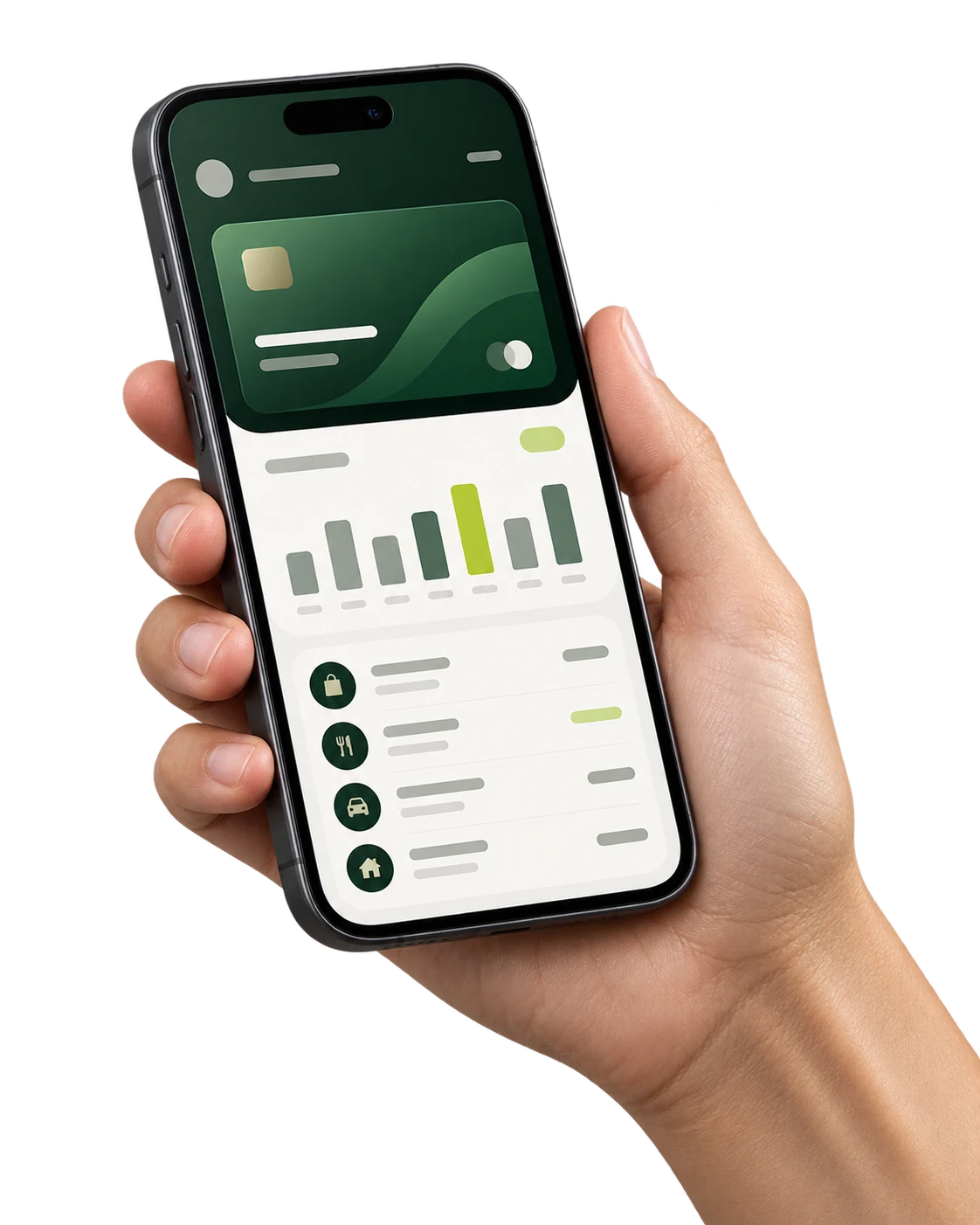
Everything Online, On Your Phone.
The app does what online banking does, designed for a phone: quick to open, easy to read, secure by default.
Send Money
Local and international transfers, and instant, free transfers to other customers of the bank.
Your Cards
See your virtual cards, top them up and freeze a card in a tap.
History & Statements
Search every transaction and download receipts and statements as PDF.
Crypto Wallets
See your wallets, make deposits and request transfers from the same app.
Stay Informed
Messages, notifications and support tickets, all in one place.
Your Way
Light or dark, following your phone, in six languages.
Get the App
Sign in with your online banking details. Your username, password and one-time codes work the same in the app.
Android
Use the app in Chrome and add it to your home screen.
- 1 Open this page in Chrome on your phone.
- 2 Tap “Open the App”, then “Add to Home screen” in Chrome’s menu.
- 3 Open it from your home screen and sign in.
iPhone
The same app, installed from Safari to your home screen.
- 1 Open this page in Safari on your iPhone and tap “Open the App”.
- 2 Tap the Share button, then “Add to Home Screen”.
- 3 Open it from your home screen and sign in.
Scan to Open on Your Phone
Point your phone’s camera at the code. It opens this page there, with the right download for your phone.
Secure by Default
The app is protected the same way as online banking, and every sign-in is yours to control.
One-Time Codes
A code sent to your email confirms each sign-in and every transfer.
Authenticator App
Add Google Authenticator or a similar app for a second layer of protection.
Your Devices
See where you are signed in and sign out of a phone at any time.